A calendar your AI can book into.
Give your business real hours. Let the AI you already use — or your AI receptionist on the phone — find a free slot and book the caller in. Then subscribe it on your iPhone with one private link. There's no calendar app to learn. Your phone is the app.
$15 a month, and it isn't just this app — every Parsons product is on the same subscription. Cancel any time. Bookings can't double up: book re-checks the slot at the moment of writing and refuses one that just got taken.
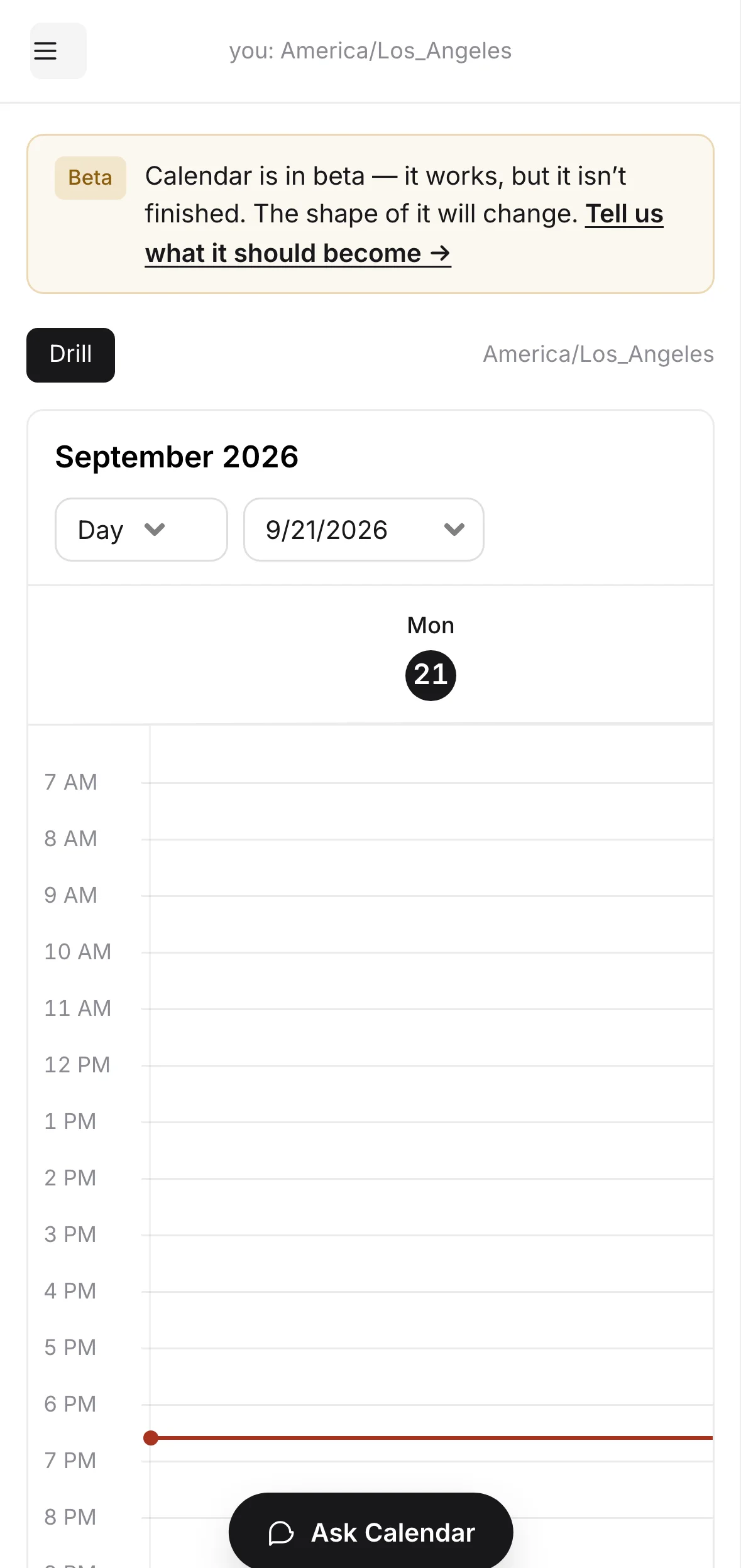
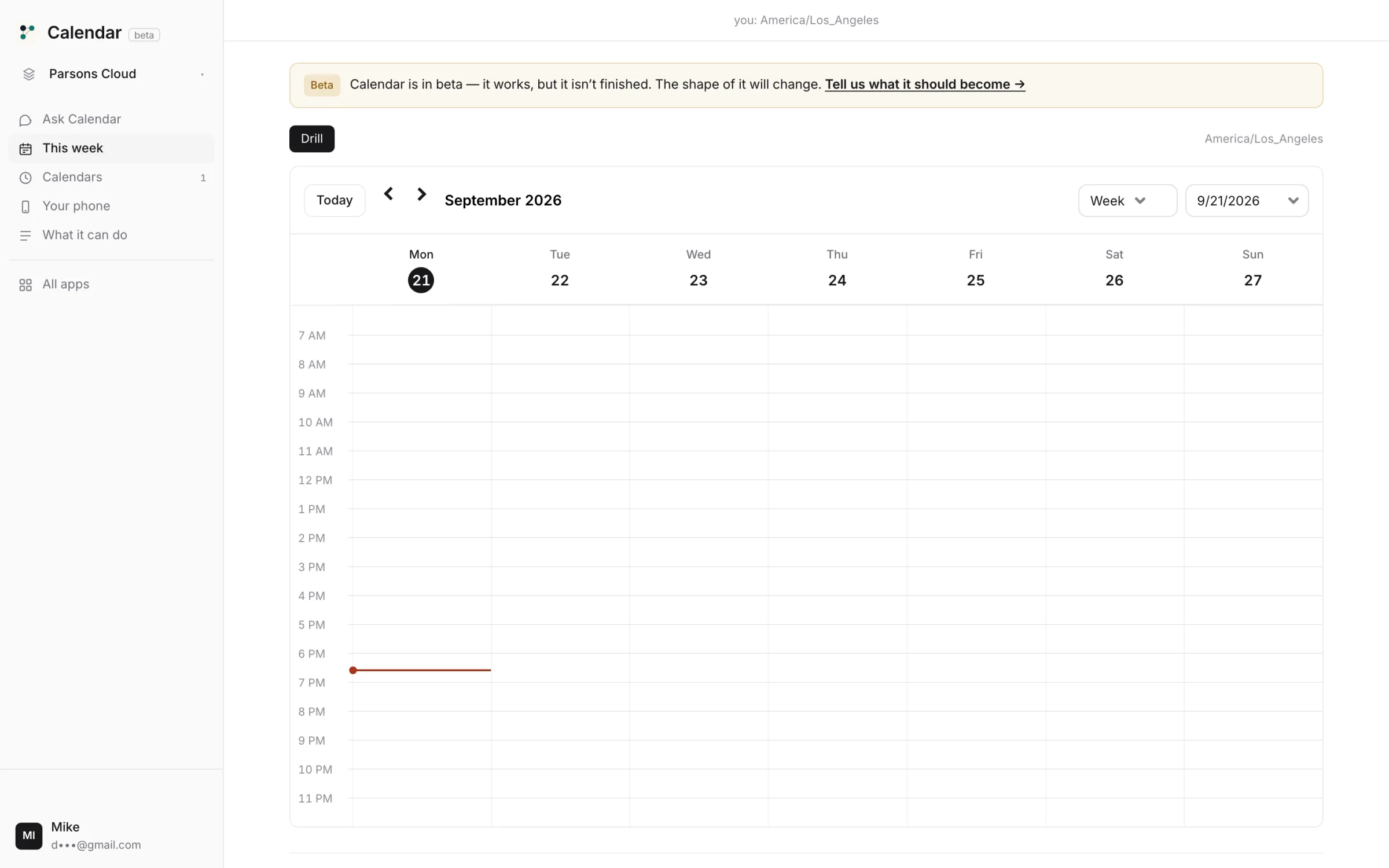
Hours in. Bookings out. On your phone.
Make a calendar with real hours.
A home time zone, opening hours, slot length, buffers, notice. Daylight saving handled. 25 calendars a project.
Make a Bookings calendar, Tuesday to Saturday, 10 to 6, 30-minute slots, 15 minutes between.Paste one link into your AI.
Your account comes with one private address. Paste it into Claude, ChatGPT or Cursor once, and Calendar's tools are there. No AI of your own? The console has chat built in.
https://mcp-hub.parsons.ai/p/prof_••••••••/mcpLet it book.
Your AI, or the receptionist answering your number, asks for a free slot, books it, and texts the confirmation. book re-checks at write time — a slot that just went is refused, not double-booked.
Book Dave Ortiz for a haircut Tuesday at 10.find_freebookings · Tue10:00, 10:45, 11:30bookTue 10:00 · Dave Ortizconfirmedsend_sms+1 619 ••• ••••sentPut it on your phone.
One private subscribe URL per device. Apple Calendar refreshes it every 15 minutes; Google too. Lose a phone? Revoke that link without touching the others.
Give me a link for my iPhone.A calendar that answers the phone.
Calendars with real hours
Business hours in their own zone, slot length, buffers, notice. Holidays as closed days, not deleted bookings.
find_freeTue · 30 min10:00 · 10:45 · 11:30book10:45 · taken 4s agorefusedbook11:30confirmedAn availability engine, not a list
find_free returns only slots you really have. book re-checks at write time. Two callers can't take one slot.
Booked by your AI, or by phone
Ask in chat, or hand the calendar to an AI receptionist on Phone. Either way the caller ends up on your phone at the next refresh.
On any phone, one link each
Subscribe URLs per device. Revoke one, keep the rest. Nothing to install.
This week, in the calendar's zone
A week view for when you want to look. The bookings, the drills, the closed days — in the hours the business keeps.
Included in every plan, no meter
25 calendars a project, 10,000 events each. Nothing here is counted against you.
It books what's free. It cannot double-book you.
- ×Book a slot outside the hours you setfind_free never offers one; book refuses one.
- ×Book a slot that was just takenbook re-checks at write time. The second caller gets the next slot, not the same one.
- ×Show a revoked phone your calendarEach subscribe link is its own key. Revoking one stops that device and nothing else.
- ✓Create calendars, set hours, buffers and closed days
- ✓Find free slots and book, from chat or from the phone line
- ✓Subscribe on iPhone, Google Calendar or anything that reads a private ICS feed
There is no security slogan on this page and no badge we haven't earned. Everything in that list is a thing you can check; the full mechanism and every tool are on the details page.
Fifteen dollars a month — and it isn't just this app.
Is it worth it? Start where we look worst.
A booking page alone is cheap, and some are free. Here's what the scheduling tools publish.
If you only want a link people click, Cal.com's free tier is fine. Ours is $15 because the calendar is the one your AI receptionist books into, on your business line, and the same $15 runs Phone, Email, CRM and the rest. And there is no free tier because we'd rather charge for the thing than sell around it.